
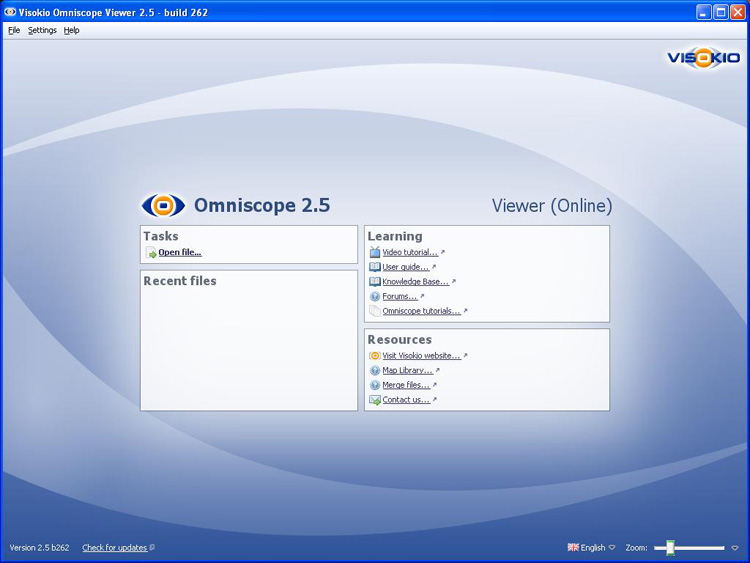
If you open an Omniscope Viewer from a desktop launch icon or the Programs list, you will see the Viewer Welcome Screen. The Welcome screen displayed in the free Viewer, (either a permanent install or a temporary, zero-footprint install using Omniscope Online [1]) is less detailed than the Welcome Screen displayed by an activated installation:
Links:
[1] http://kb.visokio.com/using-omniscope-online